NUMTAG Capture


Instructions
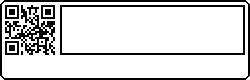
The SMALL format is for the smaller label, with the QR code to the LEFT of the capture text box.
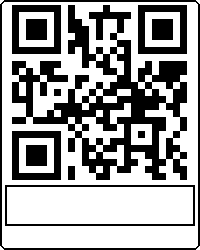
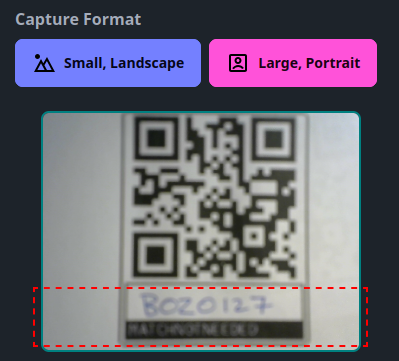
The LARGE format is for the large format QR code, with the capture text box BELOW the QR code. When capturing, keep the QR Code OUTSIDE of the dashed red overlay, and as much of the capture text box INSIDE the overlay.
When scanning, ensure that the area is well-lit. The camera flash can also be used to enhance scanning
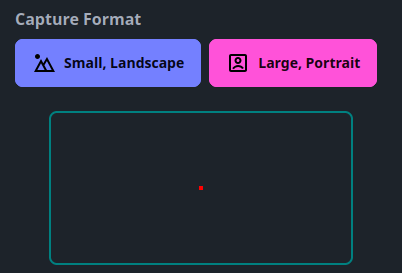
The dashed red area of interest indicates the area in the label that should contain your handwritten label. All text and numerals should be clear, and in block capitals
The API key you created from your profile must be set in settings BEFORE you can capture and send scans.
Please allow up to 30 seconds for an acknowledgement of your scan. Although it usually arrives within a second or two, busy periods can cause the wait to time out. If this happens, you can still login later and check the outcome from the website. You can also set it to send you an email on successful scan with the results. Please be aware that this can result in a lot of emails being sent for "non-expiring" tags. If you have set a callback with the tag, your "listening" application will receive the result in JSON format.